BearMenu · For restaurants
Your dishes. Found.
Diners choose directly by dish. Menus from over 407 restaurants are already indexed and searchable on BearMenu: claim your profile or update your menu anytime, completely free.
- indexed restaurants
- 407
- indexed restaurants
- dishes & drinks with real prices
- 46,900+
- dishes & drinks with real prices
- city in network
- 1
- city in network
The problem
One price change. Five chores.
Google Business profile, Instagram, PDF menus, your website, and printed menus: price updates mean updating multiple places manually, and stale listings cost you customers. With BearMenu, your menu stays synchronized and searchable.
- Google Business
- menu-final-v3.pdf
- Your website
Diners don't search for restaurants. They search for dishes.
BearMenu changes how people choose where to eat: diners search directly for the dish they crave and see every place serving it, with real prices, review ratings, and walking distance.
The diner app
Real menus. Real prices. Kept current.
Completely free for diners, with no ads and no sponsored placements. Diners comparing options for tonight see your dishes, real prices, and ratings, kept up to date.

Unde găsesc paste bune în centru?
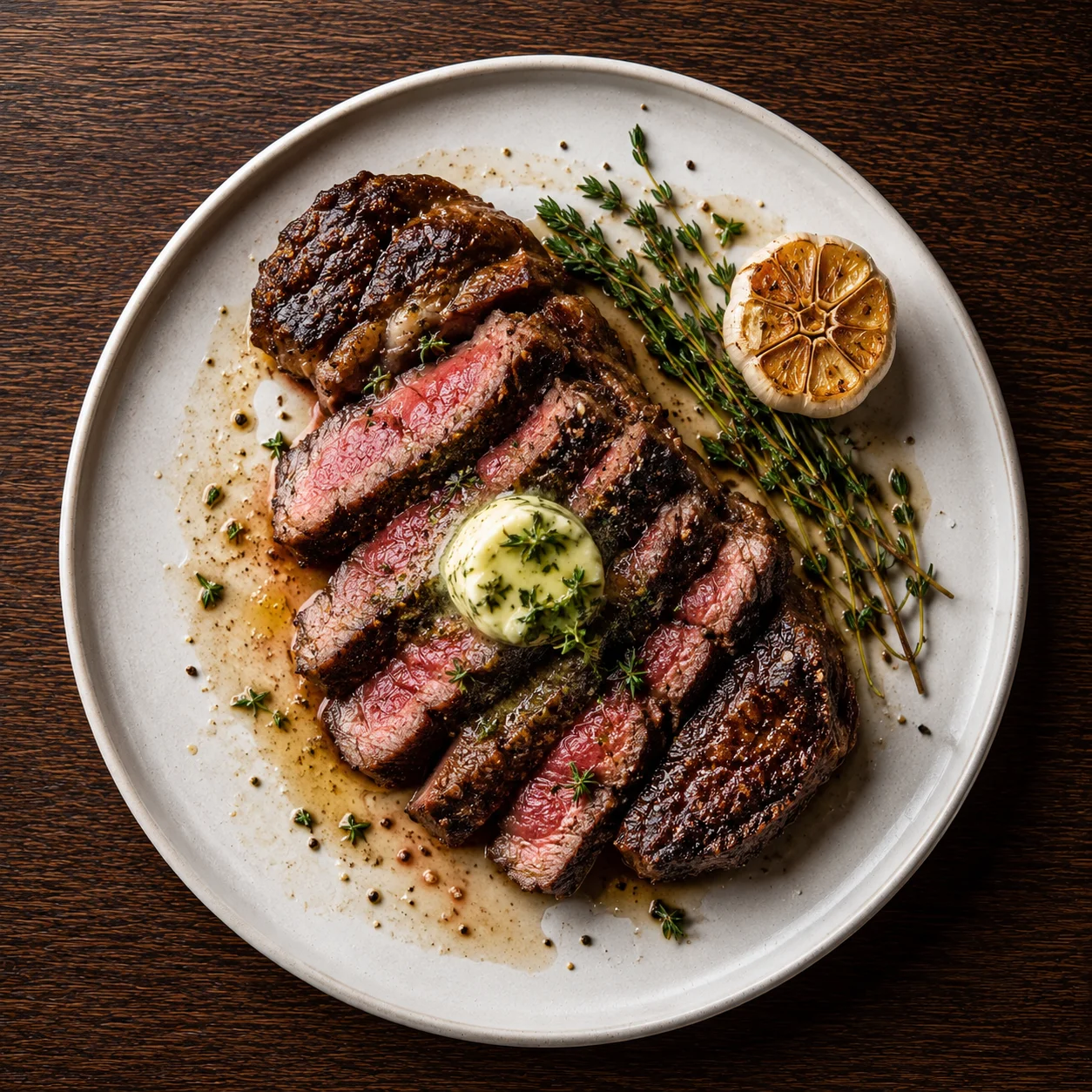
Tagliatelle al ragù · Trattoria Locală
65 RON · 8 min walk · open now
Vrei să vezi meniul complet?
When diners ask, Bruno answers with your dishes.
Bruno is the guide inside the app: dishes, places, and prices mapped in Romanian and English.
Your admin
Change anything. Live everywhere.
A single dashboard for your profile, menus, hours, and specials. Every update goes directly to the diner app, without hassle.
Send a photo. Get a menu.
Parsed automaticallyMENU
Tagliatelle al ragù
65 RON
dishMargherita
38 RON
dishBruschette
24 RON
dishTiramisu
28 RON
dishAI structures every dish, price, and ingredient. You verify and publish, making your menu instantly visible in city searches.
Edit once. Everywhere at once.
Synced automaticallyMargherita
Trattoria Locală · Menu / Pizza
In the diner app
Margherita
Trattoria Locală
38 RON
Live in the app
“The things we refuse to do are why diners trust what they find.”
No sponsored listings
Ranking is price and rating. Nobody buys their way above you.
No ads, ever
Our revenue comes from restaurant subscriptions, not from ads or selling user attention.
Your data stays yours
Export everything as JSON or CSV, anytime. No lock-in, no hostages.
Made in Romania
Built in Cluj, in Romanian and English, for the cities you actually serve.
Start free. Upgrade when it's worth it.
The free plan covers all core needs. Paid subscriptions add advanced management, booking, and promotion tools as we roll them out.
Prices are in Romanian lei (RON). The applicable VAT treatment will be published when the operating company is registered (see the legal notice).
Getting started
From this table to live.
- Step 1
Sign up for free
Name, address, hours. No credit card, no contract.
- Step 2
Send your menu
PDF, photo, or website link, whatever you have handy.
- Step 3
AI builds it
Structured, priced, and bilingual, ready for your review.
- Step 4
You're discoverable
Every dish searchable by every diner in your city.
What every owner asks first.
407 restaurants already searchable on BearMenu. Your turn.
Claim your venue or add your updated menu. Simple and free.